Org-mode - org hide emphasis markers
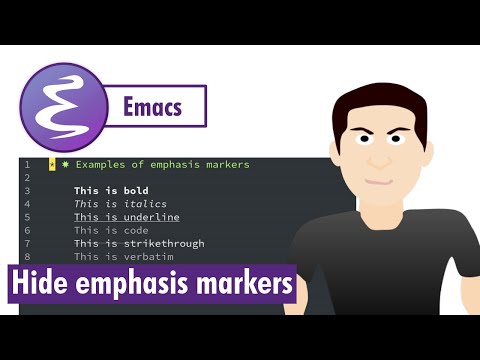
While working in org mode if you want bold to appear as bold without emphasis markers then you can hide them. Let me show you how.
#Emacs #orghideemphasismarkers

I use Emacs for doing lot of things but the main think I use it for is Org Mode. You will find lot of content here that will help to learn how to use Org Mode and Emacs.
While working in org mode if you want bold to appear as bold without emphasis markers then you can hide them. Let me show you how.
#Emacs #orghideemphasismarkers
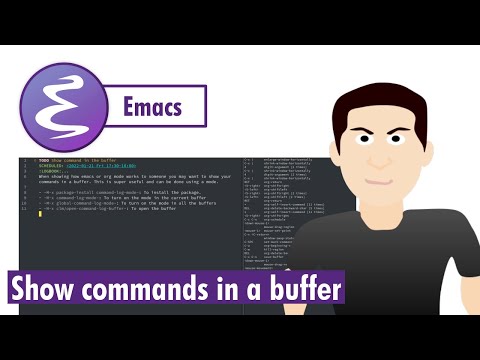
If you want to show all the commands that you are typing in your buffer then try using command-log-mode to display your commands nicely. It is a super useful package and a must have.
#Emacs #showcommandsinbuffer
You have the option to show inline images globally across all the buffers or you can set it up for an individual file as well.
#Emacs #inlineimages

After making changes in the init file are you always restarting your Emacs? Well don't. You can simply do "M-x eval-buffer" and your changes will be applied.
#Emacs #EvaluateBuffer

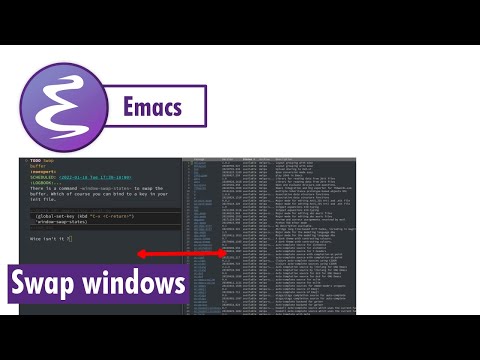
I usually create a vertical split when working in Emacs, it helps a lot but I was looking for a way to swap the windows and fortunately there is an easy way to do it.
#Emacs #SwapWindows
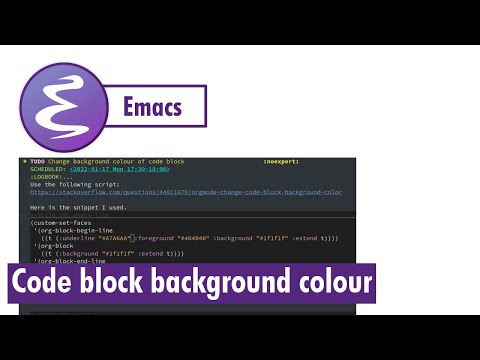
I wanted to change the background colour of my code blocks in my org files and I found a way to do it. Let me share it with all of you today.
#Emacs #CustomSetFaces #BackgroundColour
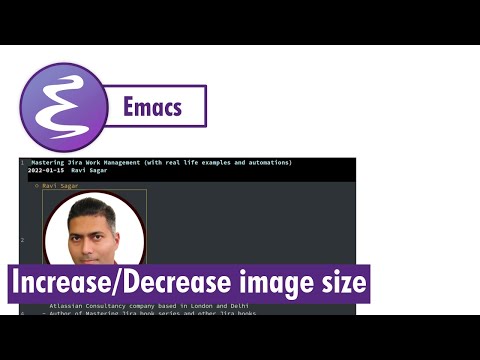
I started using inline images in my org mode files for presentation and I was looking for a way to change the image size without ImageMagick
#Emacs #ImageIncreaseSize #ImageDecreaseSize
You can use themes in Org Mode to generate good looking documents.
#Emacs #OrgMode #Themes

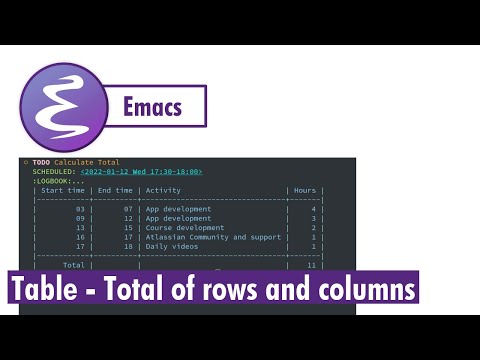
Are you thinking of replacing Excel with Org Mode? Well you can definitely do some light weight calculations in your org mode table as well. Let us learn how to add rows and columns.
#Emacs #OrgMode #Tables #Spreadsheet
Don't like too many asterisks in front of your tasks/headers? Try org-bullets mode to convert them to nice bullet points.
#Emacs #OrgMode #OrgBulletsMode


Ravi Sagar
ravi at sparxsys dot com
Author of "Mastering JIRA 7" book. Loves #Jira and #Drupal. #Blogger, #ProblemSolver, #Atlassian #Consultant and #Technologist @ravisagar on twitter
Want my help? raise a support request for me.
Social and other Links