I don't rely on motivation
I follow a time table or a schedule or routine. I don't let motivation come in my way to do my work.
#justtalk #CareerAdvice


I use Emacs for doing lot of things but the main think I use it for is Org Mode. You will find lot of content here that will help to learn how to use Org Mode and Emacs.
I follow a time table or a schedule or routine. I don't let motivation come in my way to do my work.
#justtalk #CareerAdvice
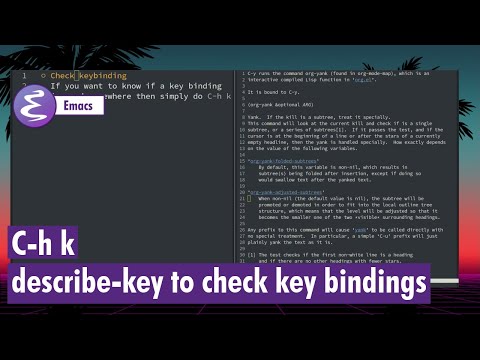
You can easily find out about existing key bindings using the describe-key command in Emacs.
#Emacs #describekey
Often I have to take notes without Emacs or Org Mode but instead of feeling sad I just make sure I take notes in a way that I can later move them to Org Mode.
#Emacs #TakeNotes

Today I tried the CSV Mode in emacs and I think it is quite good. You can sort columns and also transpose very easily.
#Emacs #csvmode

To browse a website within Emacs you can use Emacs Web Wowser and it is quite good and works really well.
#Emacs #eww

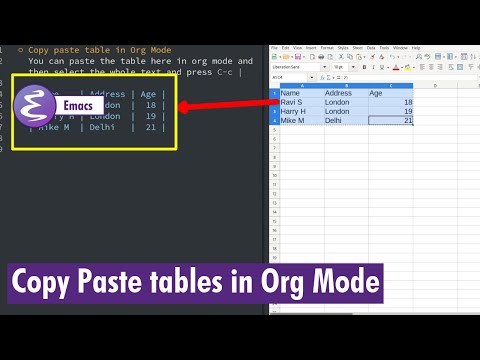
You can copy paste table text from a spreadsheet to an Org Mode and then convert it to a proper table with a simple command.
#Emacs #OrgMode #Tables
I have now completely stopped using Google slides and PPTs. I am in a process of converting all my old slides to org files.
#Emacs #OrgMode #OrgReveal

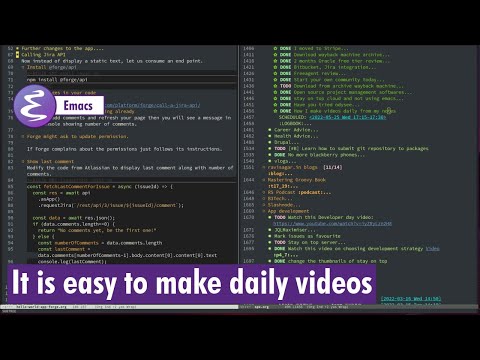
It is not difficult to make daily videos. Just talk about things that you do in general and keep track of your work. Org Mode can help a lot in organising your life.
#Emacs #OrgMode
In the last few months I made few proposal using LaTeX and not a single client complained.
#Emacs #LaTeX #Proposals

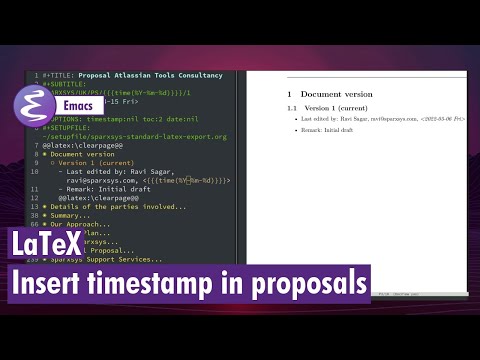
I have been using Org Mode and LaTeX for creating proposals now and today I thought I will show you how to insert timestamp with proper formatting.
#emacs #timestamps

Ravi Sagar
ravi at sparxsys dot com
Author of "Mastering JIRA 7" book. Loves #Jira and #Drupal. #Blogger, #ProblemSolver, #Atlassian #Consultant and #Technologist @ravisagar on twitter
Want my help? raise a support request for me.
Social and other Links