Split PDF files using pdfjam
Today I wanted to split a big PDF file and had to extract few pages. I did this using a very nice utility called pdfjam.
#pdfjam #splitpdf
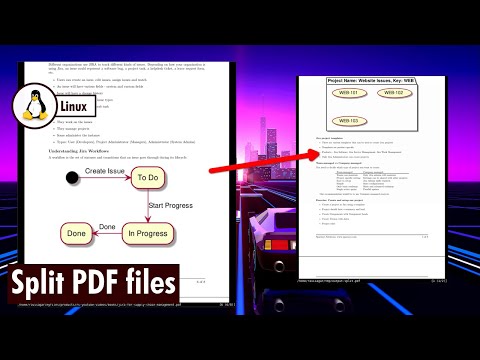

Today I wanted to split a big PDF file and had to extract few pages. I did this using a very nice utility called pdfjam.
#pdfjam #splitpdf
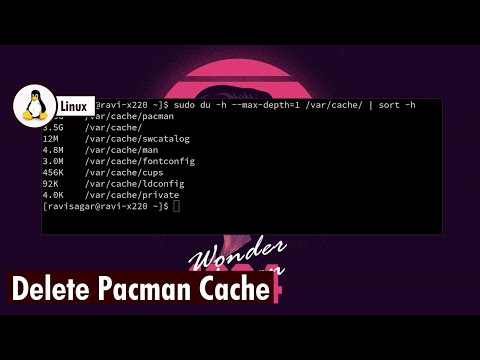
Today my computer was low on storage because pacman's cache was taking lot of space so I used a simple command to delete it.
#ArchLinux #Pacman
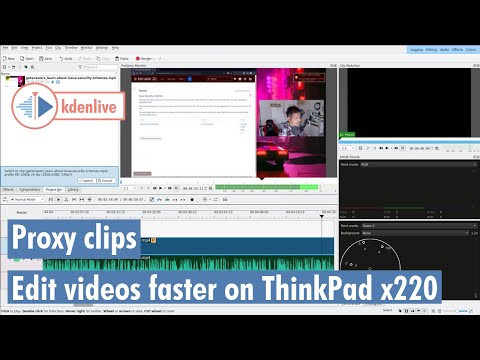
I sometimes edit videos using kdenlive on my decade old ThinkPad x220 and it kinda works.
#kdenlive #proxyclips
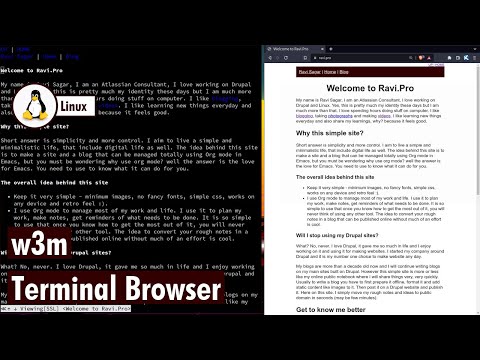
w3m is a good terminal based browser but I don't use it much. All of my web content consumption happens using a web GUI based browser.
#w3m
I run a shell script every minute to check whether my laptop is docked or not and then run some commands. It works really nicely.
#shell #dock
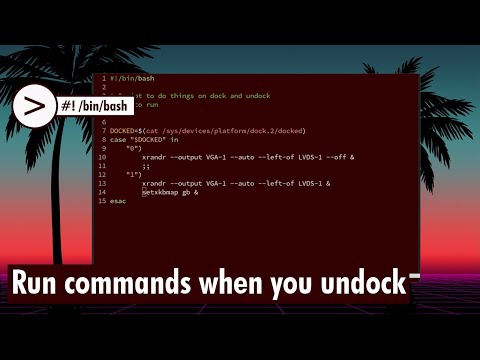
I an attempt to reduce my usage and dependencies on spreadsheet I am hoping to try simple CSV files but today let us learn how to consolidate multiple CSV filed into one.
#csv
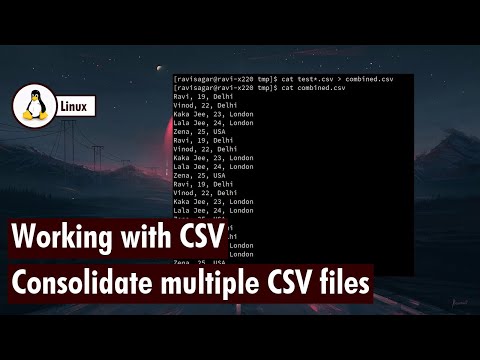
I am hoping to reduce my usage of spreadsheets and I believe command line utilities can definitely be used to perform simple calculations.
#awk #datamash
Let me show you my surveillance system built using Raspberry Pi and Logitech webcam.
#raspberrypi #ffmpeg #rtmp #hls
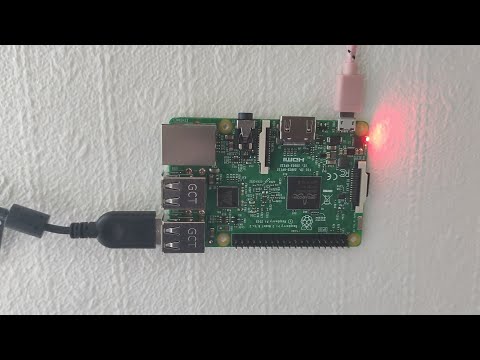
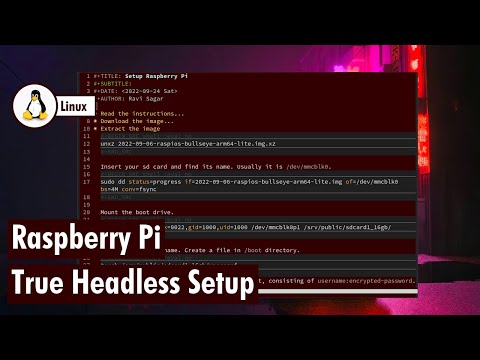
Avoid these mistakes and you can install Raspbian without a monitor or a keyboard. Truly Headless.
#raspberrypi #Headless #raspbian
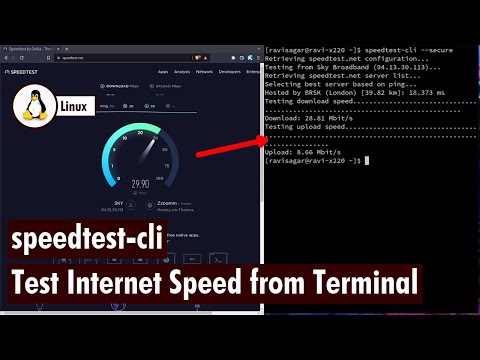
Sometimes is is much convenient to use the terminal to perform some important tasks like checking your internet speed.
#speedtest #cli

Ravi Sagar
ravi at sparxsys dot com
Author of "Mastering JIRA 7" book. Loves #Jira and #Drupal. #Blogger, #ProblemSolver, #Atlassian #Consultant and #Technologist @ravisagar on twitter
Want my help? raise a support request for me.
Social and other Links